A doctor appointment booking system may look like a simple scheduling tool. But for a growing hospital, it affects much more than just appointments.
It influences how quickly patients get booked, how evenly doctors' schedules are managed, how reception teams handle queues, how patients receive reminders, and how hospital leaders see outpatient performance.
That is why hospitals should not choose an appointment system based only on whether it can book a doctor appointment online.
The right system should help the hospital manage the entire outpatient journey — from appointment booking to consultation and follow-up. This is where most appointment systems fall short. They solve one problem and create coordination challenges everywhere else.
1. Look Beyond Appointment Booking
The first mistake hospitals make is treating appointment booking as an isolated activity.
A patient does not experience the hospital in separate software modules. Their journey looks like this:
Appointment → Confirmation → Arrival → Check-in → Waiting → Consultation → Completion → Follow-up
If the appointment booking system only handles the first step, hospital staff still have to coordinate everything else manually.
A better approach is to look for a system that connects appointment scheduling with the operational flow of the OPD. Instead of simply recording appointments, it helps coordinate what happens before, during, and after the appointment. This is where modern doctor appointment systems go beyond basic scheduling.
2. Check Whether It Prevents Overbooking
Overbooking is one of the most common causes of OPD congestion.
A hospital appointment system should not simply show whether a doctor is available. It should understand:
- Doctor working hours
- Appointment duration
- Existing bookings
- Slot capacity
- Hourly patient limits
- Breaks and holidays
- Doctor availability
- Rescheduling and cancellation
For example, if a doctor can comfortably handle only a certain number of patients during an hour, the system should control capacity instead of allowing unlimited bookings.
A good doctor appointment booking system should therefore have configurable slot capacity and overbooking controls. This helps hospitals distribute patients more evenly throughout the day instead of creating an avoidable morning rush.
3. Look for Smart Scheduling, Not Just a Calendar
A calendar is useful. But a calendar alone does not make scheduling intelligent.
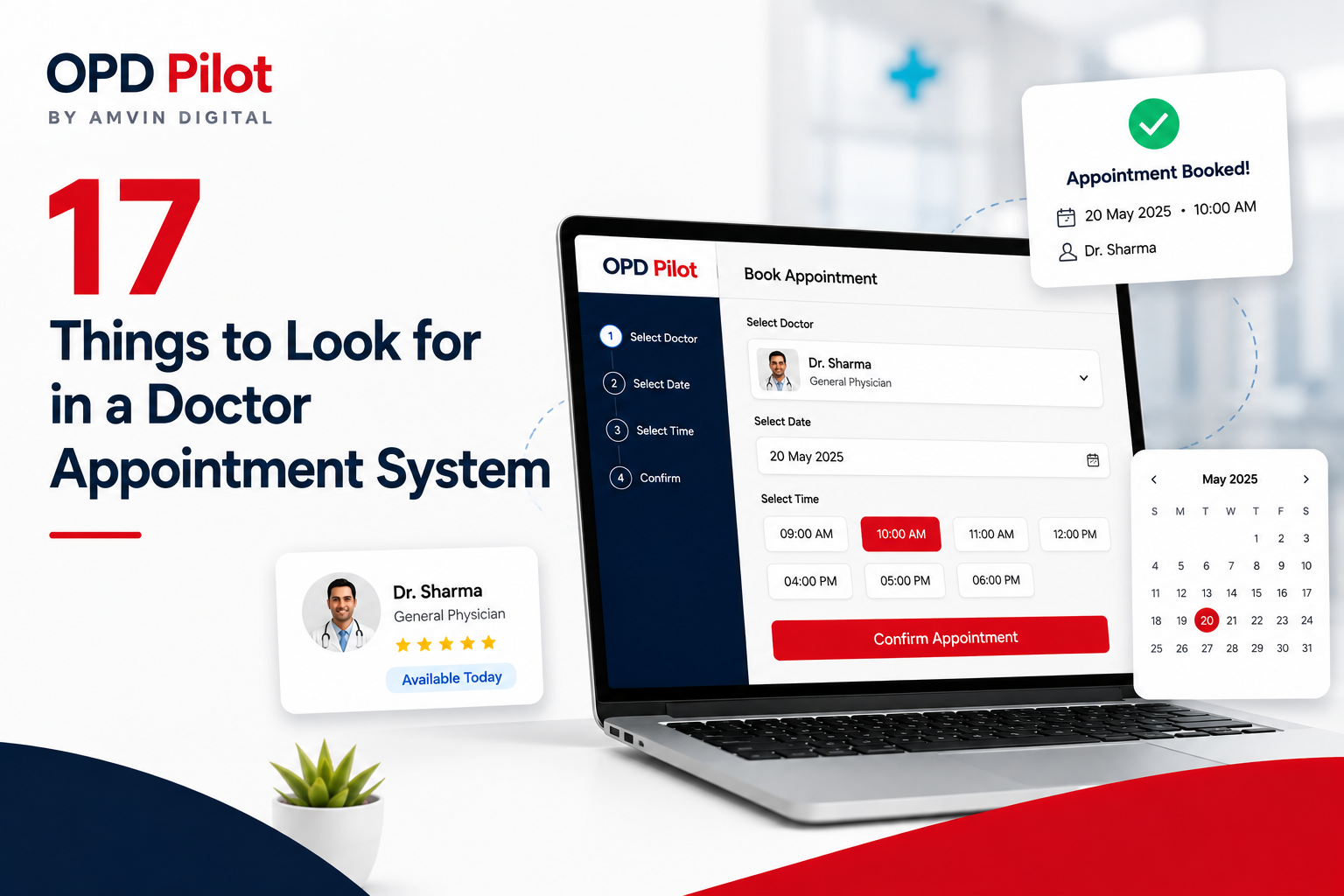
The system should help reception staff find the next suitable appointment based on the doctor's schedule, existing appointments and available capacity.
Features worth checking include:
- Smart slot selection
- Automatic next-available appointment
- Doctor-wise schedules
- Different consultation durations
- Rescheduling
- Cancellation management
- Holiday management
- Break management
- Daily and weekly calendar views
The objective should be simple: Help staff find the right slot without manually checking multiple screens.
4. Make Sure the System Handles the Appointment Lifecycle
Booking an appointment is only the beginning.
Hospitals should check whether the system can manage the complete appointment lifecycle. For example:
Scheduled → Rescheduled → Ongoing → Completed
It should also account for:
- Cancelled appointments
- Absent patients
- Rescheduled patients
- Arrived patients
- Patients waiting for consultation
This matters because hospital operations depend on what actually happens to an appointment — not just what was originally booked. A strong system gives staff a clear view of appointment status without forcing them to maintain separate registers or spreadsheets.
5. Check for Real-Time OPD Visibility
Hospital leaders should not have to wait until the end of the day to understand what is happening in the OPD.
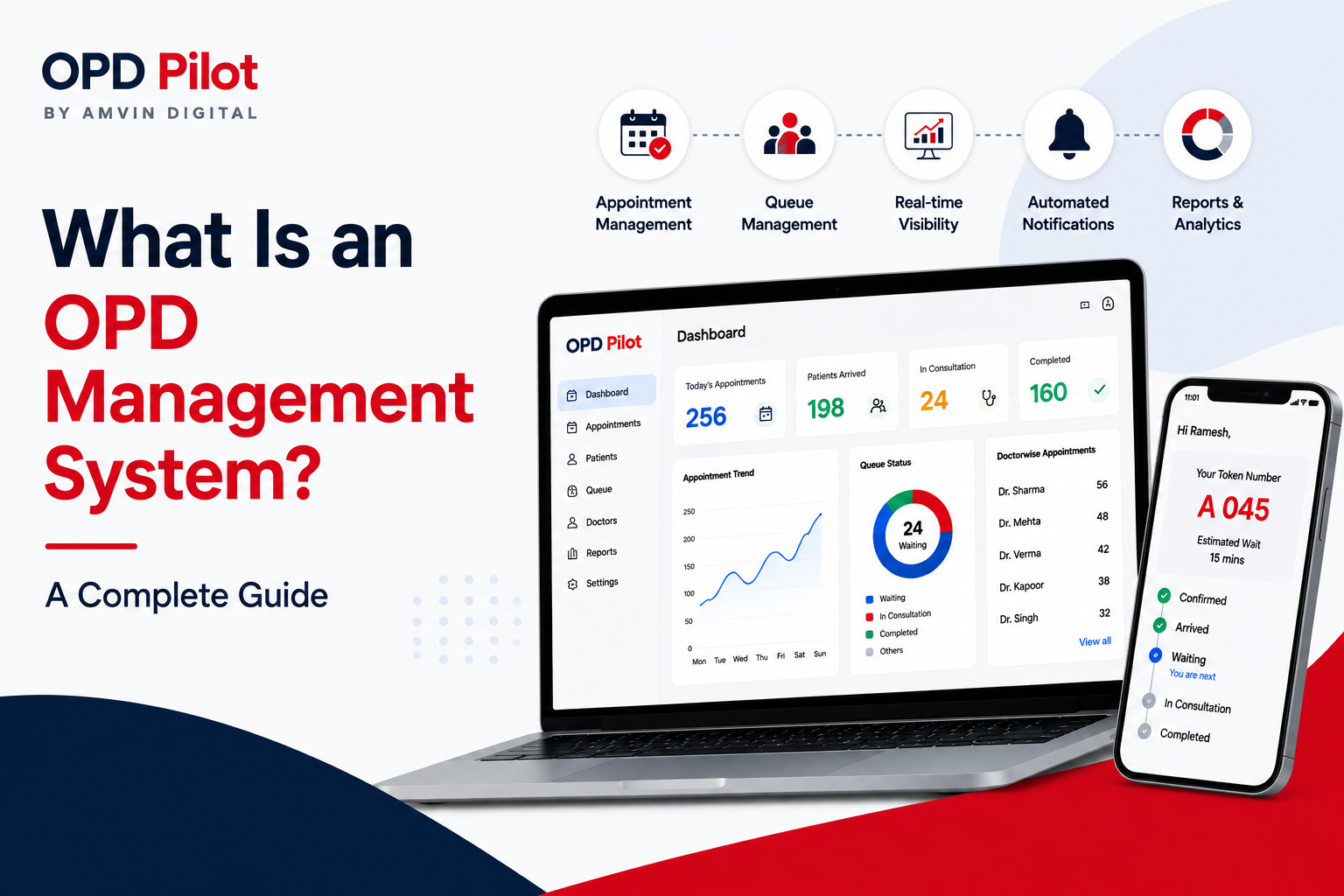
A useful system should provide live visibility into questions such as:
- How many appointments are scheduled today?
- How many patients have arrived?
- How many are waiting?
- Which doctors are consulting?
- Which doctors are on a break?
- How many appointments have been completed?
- How many patients are absent?
- Where is the OPD getting congested?
The goal is to move from "What happened today?" to "What is happening right now?" That shift can make outpatient operations much easier to manage.
6. Look for a Live Queue, Not Just Appointment Tokens
Many appointment systems stop after generating a token. But patients still have to wait.
The hospital should therefore check whether the system connects appointments with the actual waiting queue. A robust hospital queue management system brings transparency and automation to patient flow.
Useful capabilities include:
- Live patient status
- Arrived / waiting / consulting status
- Doctor-wise queues
- Waiting number
- Queue progression
- Real-time updates
- Patient search
- Quick status changes
A visual queue management system can make this even more useful for reception teams. Instead of managing patient movement through calls, paper slips or verbal instructions, staff can see the queue and update patient status from one place.
7. Give Patients Visibility Into Their Own Queue
One of the most common OPD questions is: "When will my turn come?"
Patients often ask reception staff because they have no visibility into the queue.
A modern doctor appointment booking system should allow patients to track their appointment and queue status from their phones.
A patient-facing portal can show:
- Appointment details
- Arrival status
- Current queue position
- Doctor status
- When the patient is next
- When the patient is called
- Appointment completion status
This creates a better patient experience without requiring the hospital to build a native mobile application. For hospitals, the operational benefit is equally important: fewer repetitive queue-status questions at reception.
8. Check WhatsApp, Email and Notification Capabilities
Appointment confirmation is important. But confirmation alone is not enough.
Patients also need timely reminders about upcoming appointments.
Before selecting a system, check whether it supports communication through channels your patients already use.
- WhatsApp confirmations
- Advance reminders
- Same-day reminders
- Rescheduling messages
- Cancellation messages
- Completion messages
- Email notifications
- Browser push notifications
Also check whether messages can be customized with patient name, doctor name, appointment date, appointment time, token number, and booking number.
The communication system should reduce the amount of manual follow-up required from reception staff.
9. Make Multilingual Patient Communication a Priority
For hospitals in India, language support is more than a user-interface feature.
Patient communication should be understandable to the patient.
A hospital may serve patients who are more comfortable with English, Hindi, Bengali or another regional language.
So don't just ask: "Does the system support multiple languages?"
Ask: "Can patient-facing appointment and queue communication also be delivered in the patient's preferred language?"
This distinction matters. A multilingual OPD system can make appointment confirmations, reminders, queue messages and voice announcements easier for patients to understand.
10. Consider Voice Announcements and Waiting-Room Displays
Traditional OPDs often depend on reception staff calling patient names or tokens manually. That creates unnecessary work.
A modern system can connect the appointment queue with a waiting-room display and voice announcement system.
For example, patients can see:
- Current token
- Upcoming patients
- Doctor status
- Estimated waiting time
- Announcements
Voice announcements can also help call patients to the consultation area. For hospitals, this can create a more organized waiting-room experience while reducing repetitive work for front-desk teams.
11. Check Whether It Supports Doctor Breaks and Availability
Doctors do not consult continuously throughout the day. There may be:
- Lunch breaks
- Short breaks
- Emergencies
- Delayed arrivals
- Temporary unavailability
- Clinic closures
The appointment system should reflect these changes.
If a doctor becomes unavailable, the system should not continue behaving as if normal consultation is happening.
Better systems can connect doctor status with patient-flow management. That means the queue can pause when necessary and resume when the doctor becomes available. This is particularly useful in busy multi-doctor OPDs.
12. Look for Automation in Patient Flow
This is an important distinction between a basic appointment system and a more advanced OPD platform.
Ask: How much coordination still has to be done manually after the patient arrives? Check out how modern OPD systems work to understand what automation looks like in practice.
If reception staff have to repeatedly:
- Find the patient
- Mark arrival
- Move the patient into the queue
- Call the next patient
- Update consultation status
- Mark completion
- Move to the next patient
...then the hospital is still carrying a significant operational workload.
An advanced system can automate parts of this flow. The objective is not to remove staff control. It is to remove repetitive coordination work.
13. Make Sure Reception Staff Can Use It Quickly
The best clinic appointment software is not necessarily the one with the longest feature list.
It is the one that staff can use correctly during a busy OPD.
A receptionist may need to book dozens of appointments while simultaneously answering calls, handling walk-ins and responding to patient questions. The booking process should therefore be fast.
Useful features include:
- Quick patient search
- Returning-patient auto-fill
- Simple booking form
- Duplicate prevention
- One-click rescheduling
- Easy cancellation
- Calendar-based booking
- Keyboard shortcuts
- Mobile and tablet support
14. Check Reporting and Operational Analytics
A hospital should not have to depend on intuition to understand OPD performance.
The system should help answer questions such as:
See how hospitals are using real-time analytics to improve their OPD operations in our case studies.
- How many appointments were booked?
- How many patients actually arrived?
- Which doctors handled the highest volume?
- What was the no-show rate?
- How many appointments were cancelled?
- How many patients were new versus returning?
- How has OPD volume changed over time?
Doctor-wise and date-wise reports are particularly useful for hospital management. The right analytics layer turns appointment data into operational information that can support better decisions.
15. Don't Ignore Role-Based Access and Audit Trails
A hospital has multiple people interacting with appointment information:
- Receptionists
- Doctors
- Administrators
- Operations teams
- Management
- Reports users
They should not necessarily have the same permissions.
Look for role-based access controls that allow hospitals to define who can create, edit, cancel, and reschedule appointments, manage patients, view reports, manage users, and change system settings.
Audit trails are also valuable because hospitals need accountability around important operational actions.
16. Check Whether It Works on Existing Devices
A hospital should not have to redesign its entire infrastructure just to introduce an appointment system.
Before choosing a platform, check whether it works well on:
- Desktop computers
- Reception tablets
- Mobile phones
- Waiting-room screens
- Standard web browsers
Responsive design is especially important for OPD teams because not every user works from a fixed desktop. A system that works across devices gives hospital teams more flexibility without adding unnecessary hardware.
17. Look at the Total Cost, Not Just the Subscription Price
The advertised software price is not always the real cost.
Hospitals should also consider:
- WhatsApp messaging charges
- Notification costs
- Hardware requirements
- Queue display costs
- Voice announcement hardware
- Integration charges
- Setup fees
- Additional user costs
- Maintenance costs
A lower subscription price can become expensive if every additional communication or integration carries a recurring fee.
The better question is: "What will this system cost us to operate every month?"
The Bigger Question: Appointment System or OPD Performance System?
A doctor appointment booking system manages appointments.
An OPD management system looks at the entire outpatient operation.
That difference becomes important as a hospital grows. When OPD volumes increase, problems rarely come from appointment booking alone. They come from disconnected processes:
Booking → Arrival → Queue → Doctor availability → Consultation → Completion → Communication → Reporting
If these stages operate separately, staff spend time coordinating between them. If they are connected, the hospital can create a more predictable outpatient flow. This is the thinking behind the Doctor Appointment System.
Final Thoughts
Choosing a doctor appointment booking system is not simply an IT decision. It is an OPD operations decision.
The right system should help your hospital:
- Book patients faster
- Prevent avoidable overbooking
- Distribute appointments more effectively
- Give staff real-time visibility
- Reduce manual queue coordination
- Keep patients informed
- Improve communication
- Track doctor and OPD performance
- Support management decisions
Most importantly, it should be able to grow with your hospital.
If your hospital is still thinking about appointment booking as a standalone activity, it may be time to look at the bigger picture.