Every outpatient department runs on the same currency: patient flow. When patients move smoothly from booking to consultation to follow-up, the OPD feels calm and sees more people. When flow breaks down — long queues, lost registers, missed calls — staff burn out and patients leave frustrated. An OPD management system exists to fix exactly that.
This guide explains what an OPD management system is, what it does, and how the right OPD management software helps hospitals and clinics run faster, calmer, and more profitable outpatient departments.
What is an OPD management system?
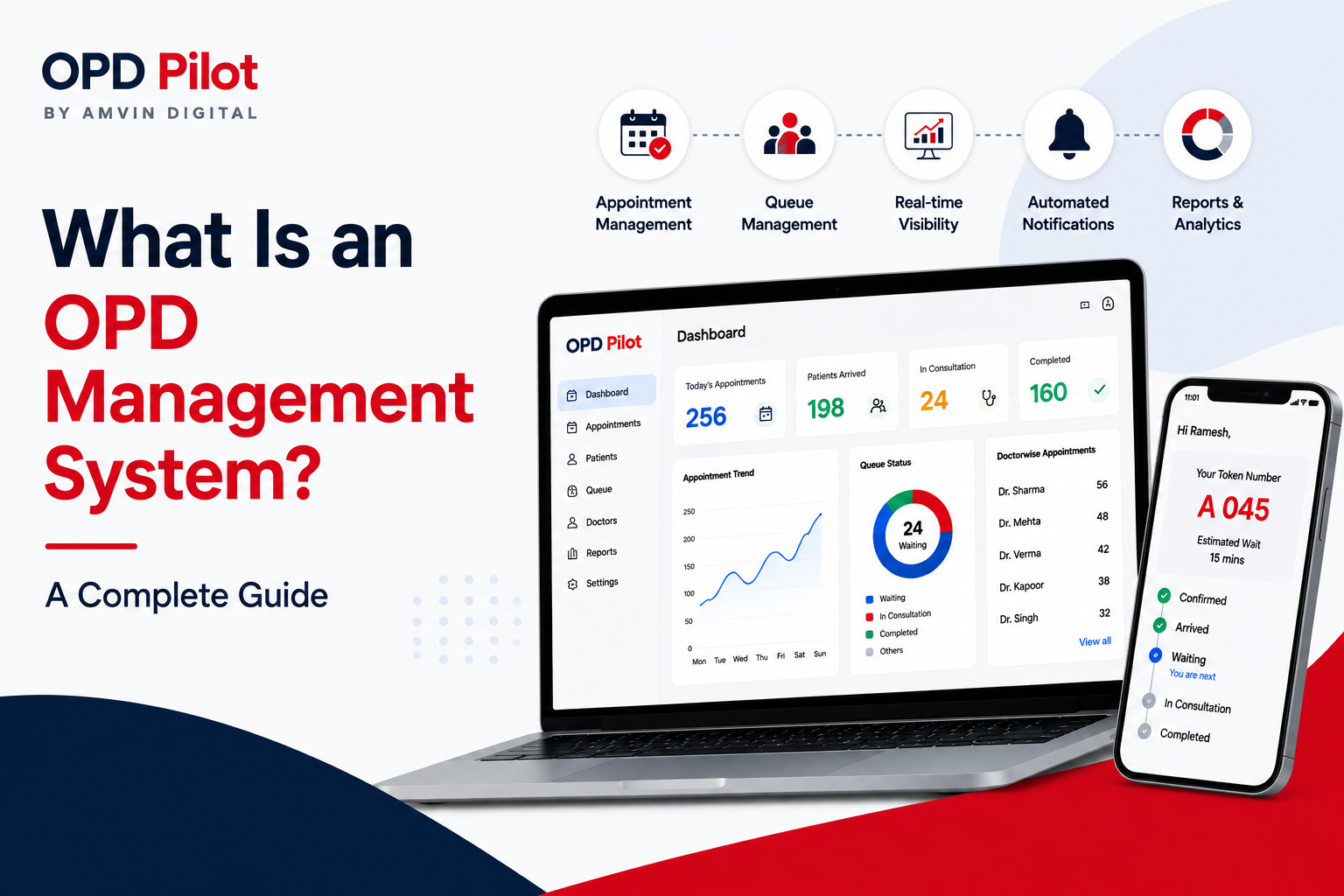
An OPD management system is software that digitizes and automates the entire outpatient journey — appointment booking, registration, queueing, patient calling, communication, and follow-ups — in one connected platform. Instead of juggling paper registers, spreadsheets, and disconnected tools, staff manage the whole OPD from a single dashboard, and patients get a predictable, transparent experience.
Put simply: it replaces manual OPD coordination with patient flow automation, so your team spends less time on logistics and more time on care.
Key takeaways
- An OPD management system automates booking, queues, calling, communication and follow-ups.
- Its core job is patient flow automation — moving patients smoothly through every stage.
- Good OPD software for clinics and hospitals cuts wait times, reduces no-shows, and increases daily capacity — without adding staff.
Why manual OPD management falls short
High-volume OPDs face the same recurring problems: patients crowd the reception with no idea of their queue position, staff call names manually across a noisy waiting area, records are slow to retrieve, and no-shows go unmanaged. Each is a small friction — but together they cap how many patients the OPD can handle and quietly erode revenue.
Manual hospital OPD management also gives leaders almost no visibility. Without real-time data, it's impossible to know average wait times, peak-hour load, or which departments are falling behind. Here's how the two approaches compare:
| In the OPD | Manual OPD | With an OPD management system |
|---|---|---|
| Appointment booking | Paper diary / phone calls; frequent overbooking | Online + staff booking with AI slot suggestion; no overbooking |
| Queue & calling | Physical lines; names called manually | Digital queue, live position, automated calling |
| Patient records | Handwritten registers; slow to retrieve | Digital records; instant retrieval |
| Patient updates | None or verbal only | Automated reminders, status & follow-ups |
| Leadership visibility | No live data | Real-time dashboards & reports |
| Daily capacity | Capped by staff bandwidth | Scales with automation |
OPD management system vs. hospital management system (HMS)
These are often confused. A hospital management system (HMS) runs the whole hospital — billing, inventory, in-patient (IPD) records, pharmacy and accounts. An OPD management system is focused specifically on the outpatient department: queues, wait times, patient calling and movement through the OPD.
They're complementary, not competing. Many hospitals run an HMS for records and billing while using a dedicated OPD system to fix the day-to-day patient-flow problems an HMS was never designed to solve. The best OPD platforms integrate with your existing HMS/CRM rather than replacing it.
Core features to look for
1. Smart appointment booking
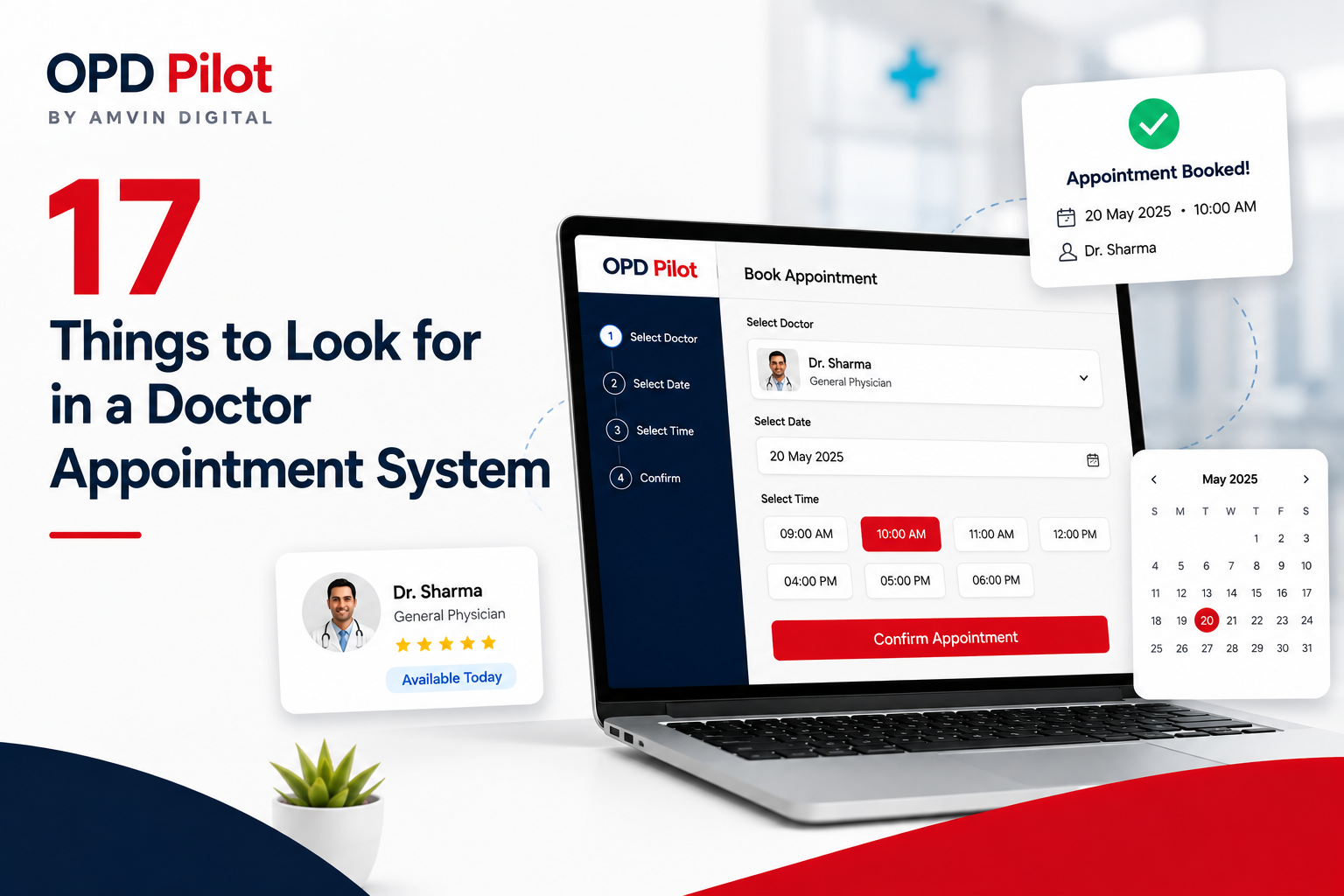
Patients self-book or staff book in seconds, with the system suggesting the best available slot and preventing overbooking — keeping doctors' schedules efficient and predictable. Learn more about smart doctor appointment systems and how they prevent overbooking.
2. OPD queue management system
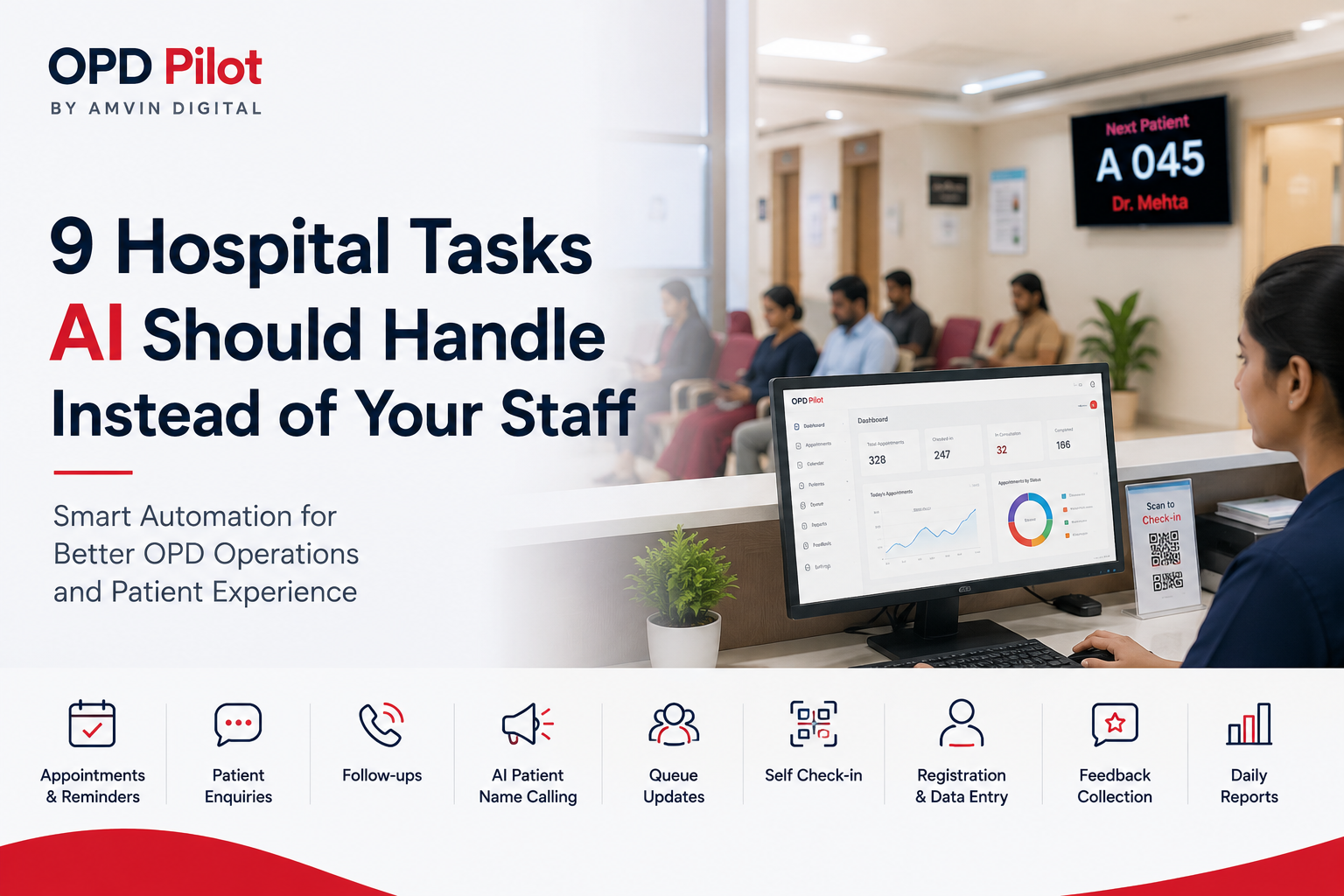
A digital queue management system replaces physical lines. Patients check in (often via QR code, with no app), see their live queue position, and get called automatically — so the waiting area stays calm and orderly.
3. Patient flow automation
The heart of the platform. Booking, check-in, calling, and next-step guidance are connected end-to-end, so patients are routed through the OPD without manual coordination at each step. See how OPD automation works in detail.
4. Automated communication & follow-ups
Reminders, updates, and follow-up messages go out automatically — reducing no-shows and bringing patients back for repeat visits.
5. Real-time analytics
Live dashboards show wait times, throughput, and department performance, giving administrators the visibility to make operational decisions with confidence.
The benefits for your OPD
- Shorter wait times — digital queues and automated calling keep patients moving.
- Fewer no-shows — automated reminders and follow-ups bring patients back.
- More capacity, same team — automation lets existing staff handle higher volume.
- Happier patients — transparency and predictability improve the experience.
- Better decisions — real-time data replaces guesswork.
The goal of an OPD management system isn't more software — it's fewer bottlenecks. Every feature should remove a step your staff currently does by hand.
How to choose the right OPD management system
When evaluating OPD software for a clinic or a multi-department hospital, look for a system that:
- Fits into your existing workflow instead of forcing a rip-and-replace.
- Needs no app download or registration for patients.
- Is simple enough for non-technical front-desk staff to use from day one.
- Scales from a single doctor to a busy multispeciality OPD.
- Integrates with your existing HMS/CRM.
- Gives leadership real-time operational visibility.
Conclusion
An OPD management system turns a reactive, manual outpatient department into a connected, high-performing one. By automating patient flow from the first booking to the final follow-up, hospitals and clinics can serve more patients, reduce wait times and no-shows, and give both staff and patients a calmer, more predictable experience — usually without hiring a single extra person.
OPD Pilot is an AI-powered OPD management system built for exactly this. Book a free demo to see it run your OPD, or explore real clinic results.
Frequently asked questions
An OPD management system is software that digitizes and automates the entire outpatient journey — appointment booking, registration, queueing, patient calling, communication and follow-ups — in one connected platform, so staff manage the whole OPD from a single dashboard.
A hospital management system (HMS) runs the whole hospital — billing, inventory, IPD, pharmacy. An OPD management system focuses specifically on outpatient flow — queues, wait times, calling and patient movement. They're complementary, and a good OPD system integrates with your existing HMS.
It replaces physical lines with a digital queue. Patients check in (often via QR code, no app), see their live position, and are called automatically — so the waiting area stays orderly and patients move through faster.
No. With OPD Pilot, patients can book, check in and receive updates without downloading any app or registering.
Yes. A good OPD management system scales from a single doctor or clinic to a busy multispeciality hospital OPD, so it fits both small clinics and high-volume hospitals.
Implementation is usually quick — most clinics are up and running within a week, with minimal training for non-technical front-desk staff.