For the Owner
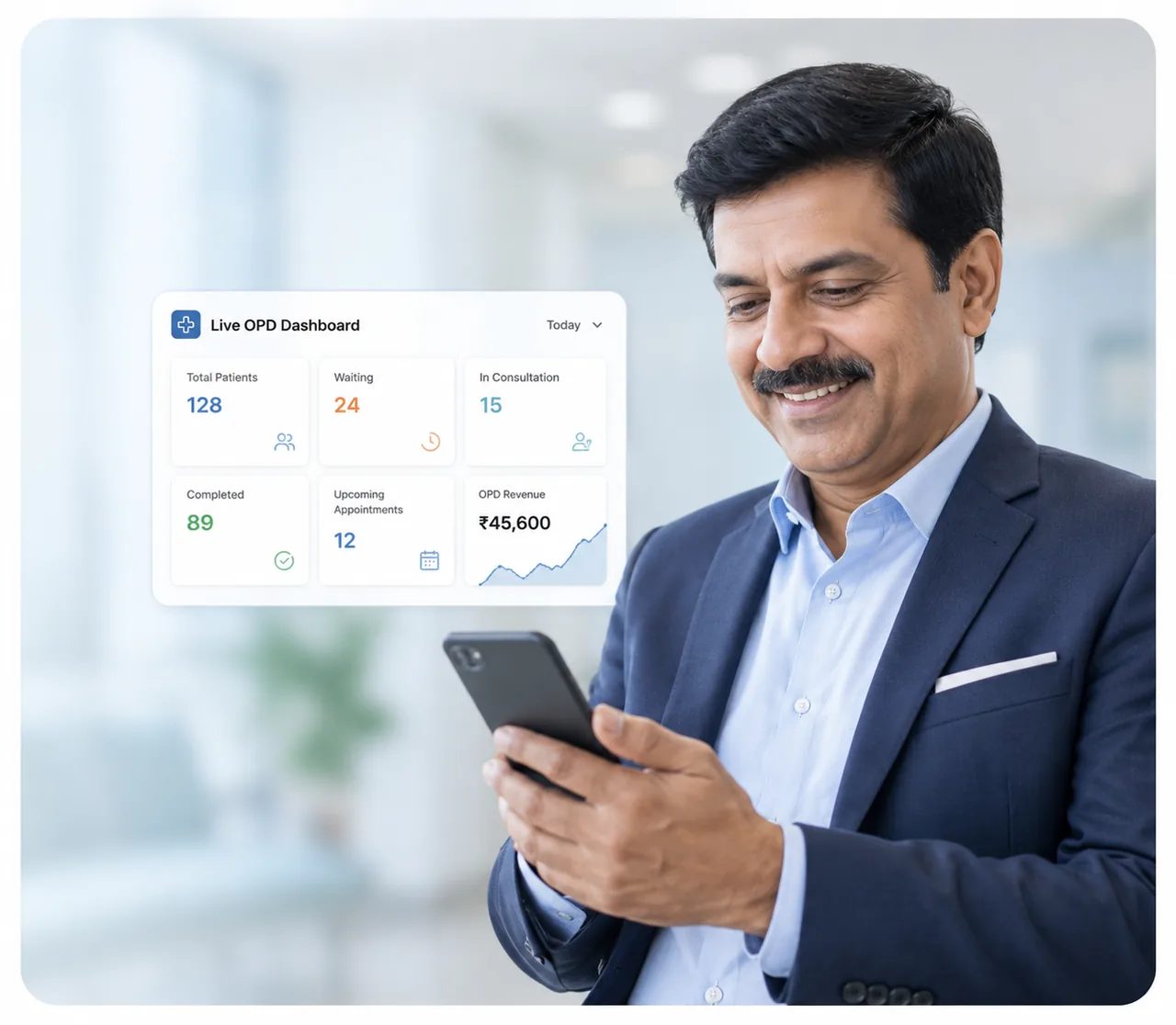
"I can see my entire OPD live on my phone — without being there. I don't chase staff for updates anymore. I see revenue and patient satisfaction improve daily."
Patients check themselves in, move through the queue on their own, and hear their names called out loud. Your reception desk stops running the waiting room.
Free setup and staff training. Live in a week.
PMRI Homeopathic Hospital runs its entire OPD on OPD Pilot.
They can see where they stand, so they wait.
The next patient moves before the last one is out.
Nobody answers the only question patients ask.
Names called aloud, in the patient’s own language.
Your staff touch only two of them. The rest runs on its own, from check-in to close.
They scan the poster at your entrance, or reception taps once. Either way they're in the queue.
Waiting, in consultation, done. Live for reception, live on the waiting-room screen, live on the patient's phone.
Switch on automatic mode and it moves patients as consultations finish, up to the limit you set.
Out loud on your screen, in that patient's language, with a chime before it.
Patients who never arrived are marked absent. Tomorrow starts clean.
We say “live in a week” a lot on this page. Here is the week.
You send your doctors, timings and a patient list. We do the rest.
One short session at your desk, on your own data.
A real OPD day on the system, with us watching alongside.
Setup and training are free, and we do the work — not you.
The queue runs on what is already in your clinic.
Any computer or tablet with a browser for reception, and any TV or monitor for the waiting room. Nothing to buy.
The queue opens in a browser from a link. No app to download, and it works on basic Android phones.
Built for patchy rural connections. If the line drops, the board keeps working and catches up when it returns.
Token slips print on a normal or thermal printer. If you would rather not print at all, you do not have to.
15 minutes, set up with your doctors' names and your timings.
One module, fully set up. No add-ons to buy before it works.
Who's arrived, who's with the doctor, who's waiting — on one screen.
The system calls patients forward by itself, with no one minding the screen.
Cap how many are in consultation at once, matched to how your doctors work.
Reorder the waiting room by dragging, like names on a whiteboard.
Two doctors side by side don't share one confusing sequence.
Narrow to one doctor when several are running at the same time.
Move a patient who can't wait — without leaving the board.
Two staff working the board can't overwrite each other.
No-shows are closed off automatically at the end of the day.
Refreshes continuously and pauses when nobody's looking.
Today, reordered into the sequence patients will actually be seen in.
Powers the announcements and each patient's live view.
"I can see my entire OPD live on my phone — without being there. I don't chase staff for updates anymore. I see revenue and patient satisfaction improve daily."
"I press one button. The next patient walks in. I don't wait or ask who's next. I just focus on treatment — the software handles everything else."
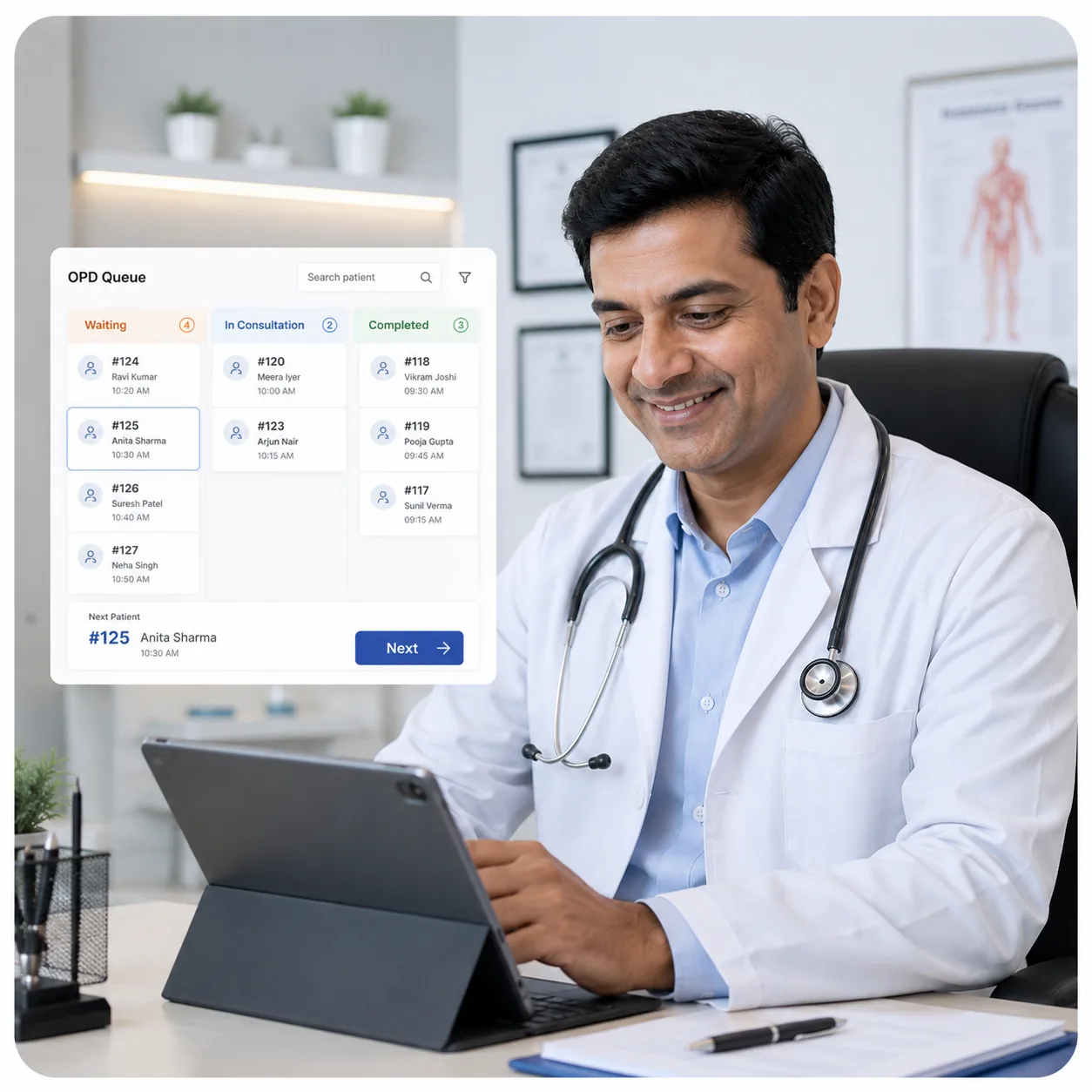
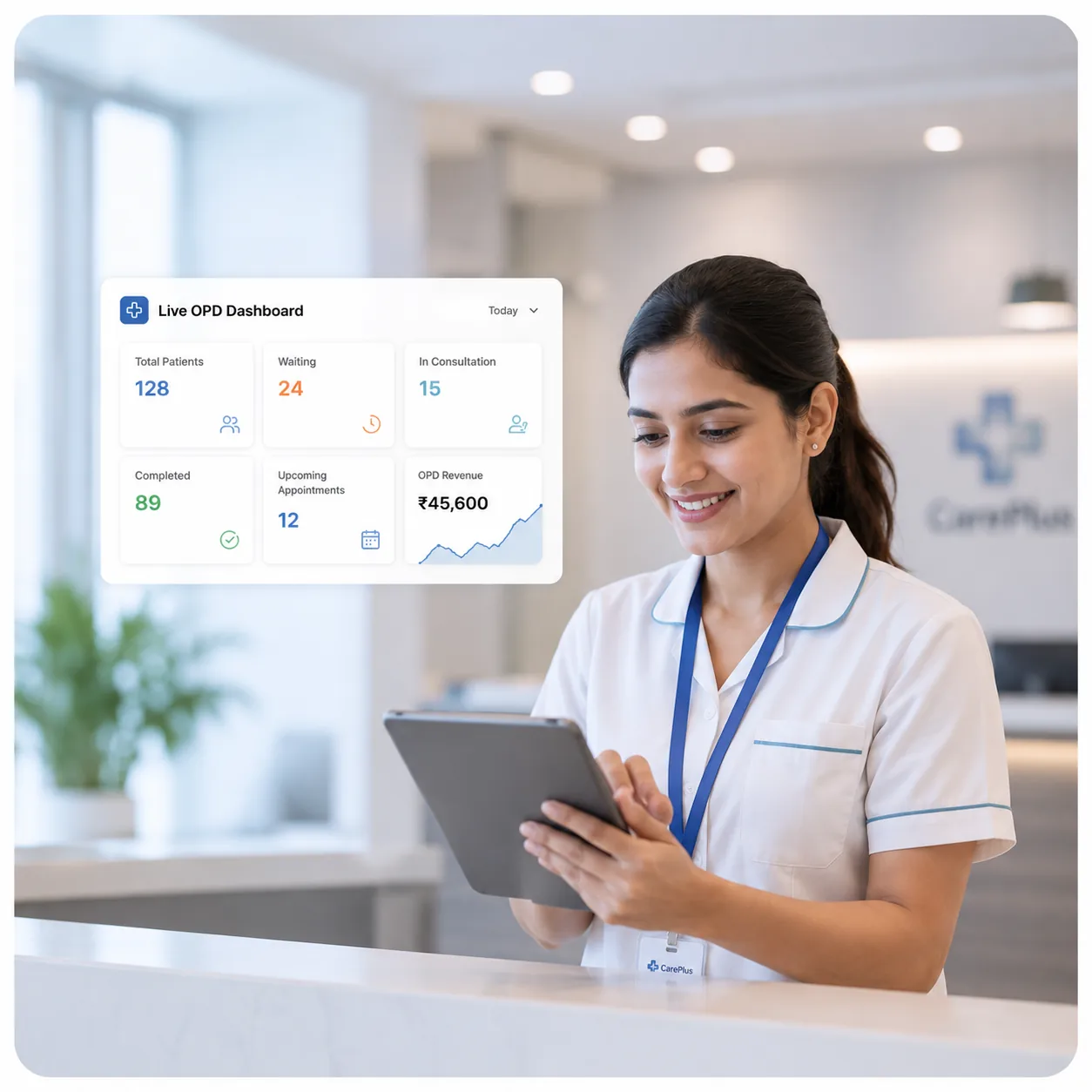
"I don't make reminder calls anymore. I don't answer 'when is my turn?' 200 times a day. I don't manage registers or chaos. I handle patients without stress."
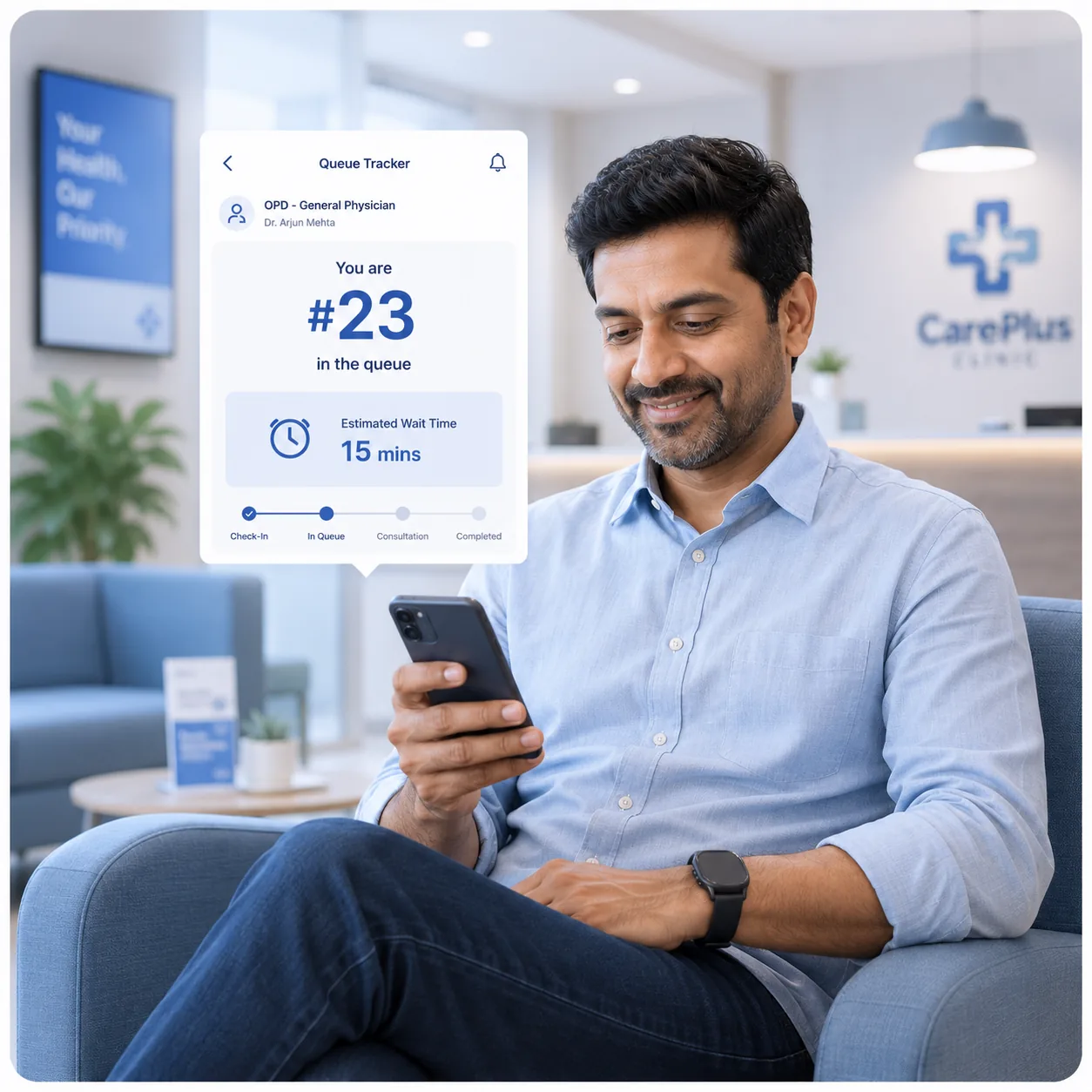
"I know my exact turn and track my wait live on my phone. I feel like I'm at a premium hospital. I tell my friends about this clinic."
The same eleven moments in an OPD day, run both ways.
Every connection to OPD Pilot is over HTTPS, from reception and from patients’ phones.
Reception, doctors and the owner get different access. You decide who can do what.
Export any list to CSV or Excel whenever you want. Leaving does not mean losing your records.
Patients see their own position and nothing about anyone else. The waiting-room screen shows names and tokens only.
No. They tap the link in their WhatsApp message and it opens in their phone's browser. Nothing to download, no password.
One week. We install it, import your patient list and train your reception team in thirty minutes.
Yes. Automatic mode calls patients forward as consultations finish, and announcements fire on their own. Your staff mark arrivals and mark patients done. Everything between happens by itself.
Each doctor can run a separate token series, and the board filters to one doctor at a time.
Any TV or spare monitor with a browser. No special hardware, no kiosk, no token machine.
15 minutes, on a system set up with your own doctors' names. No pitch — if it isn't right for you, we'll say so.
Chat on WhatsAppNo commitment · No credit card · Live in a week
Submit your details and our team will contact you within 24 hours to schedule your demo.